
Aggie UX For Designers
Key elements and design considerations for Aggie UX include a robust component library, web color palette, web fonts, design customization through section styles and background options, and an icon library.
Aggie UX on Figma
We use Figma to design all Aggie UX components and templates. We share our design system as community files for use by other teams who are designing a website or application using Aggie UX. Follow @aggieux on Figma to always of access to the most up-to-date resources.
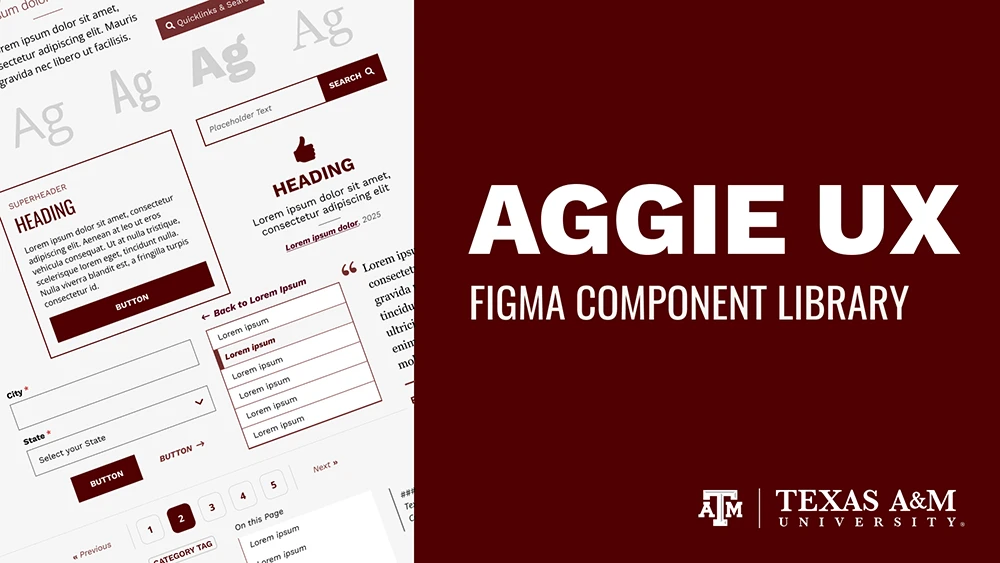
Aggie UX Design System Figma Library
Quickly create webpage mockups using the Aggie UX Figma component library. This community file contains all Aggie UX components and icons, as well as mockup templates and documentation to help you get started. As new Aggie UX components are designed and developed, we will publish new versions of this file to the Figma community.
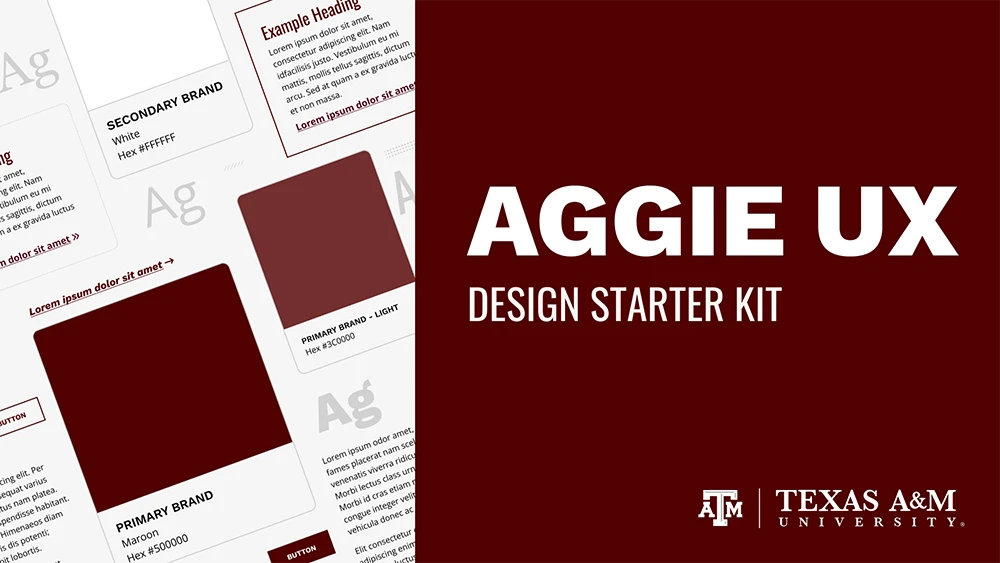
Aggie UX Design Starter Kit
In order to empower web and application developers to embrace Aggie UX styles when our component library doesn’t have everything you need, we have created this design starter kit with the very basic elements that define its look. In this file, we have outlined a few key considerations for typography, colors, graphic containers, and other common elements.
Resources for Designers
Aggie UX Templates
Get design recommendations and view examples for different webpages based on their use case, including recommendations for components to consider using on each page type.
View Aggie UX template recommendationsBuilt-In Icon Library
Aggie UX has a built-in library of icons available for use in many different components. Visit aggieux.tamu.edu to find a list of all available icons and their names.
View available iconsOn-Demand Training Resources
Sign up for our on-demand training courses to get on the fast-track to becoming an Aggie UX expert. The AUX 101 and AUX 201 learning paths are excellent resources in learning how to design with Aggie UX.
Discover on-demand training optionsLearn How to Use Figma
Start your Figma Design learning journey with this hands-on course provided by Figma. You’ll learn the basics like shapes, text, and frames, and tap into more advanced features like auto layout, components, and prototyping.
Start Figma Design for BeginnersStay Up-to-Date With Aggie UX
Stay in the know about new and upcoming releases, including new components, enhancements to existing functionality and more.